Help other people decide, vote up or down?
Switching your home with Kodi
Description
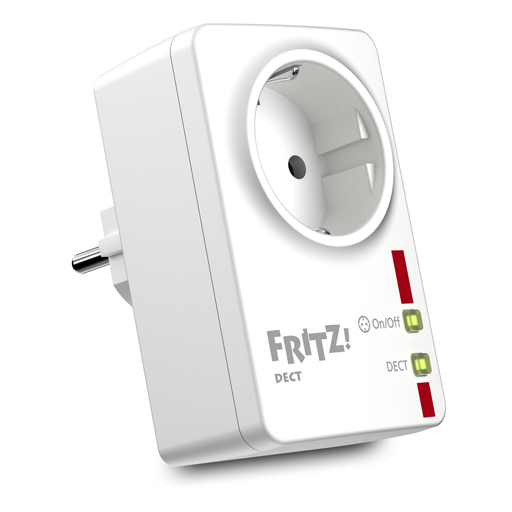
Use your Fritz!DECT switches within Kodi. Control light and switch your devices with FritzDECT actors. Find out about powered-on devices and their power consumption. Make yourself comfortable with a touch of your remote.
How To Install
Direct installation
Via Repository
Via Directory
- First make sure you have the repository installed
- Open up Kodi and navigate into Add-ons.

- Click the open box icon (above the side-menu).

- Select Install from repository.
- If you have at least one repository (besides the default) installed:
Select the repository you wish to install from.
- If you have at least one repository (besides the default) installed:
- Select the category the addon belongs to, in this case it should be program.
- Select Fritz Smart Home.
- Click Install.
For a full installation guide please click here.
Additional Information
| Updated: | February 10, 2021 |
In Repositories: | |
| Platform: | all |
| License: | GNU GENERAL PUBLIC LICENSE. Version 3, June 2007 |
Depends On: |