AliveGR addon
Disclaimer
AliveGR's author does not host, stream or distribute any of the content displayed inside this software and cannot be held responsible for the quality or availability of the listed streams. On demand content is scraped from various websites and is freely available on the internet on public domains. This software acts only as a search engine. Kindly note that AliveGR is not an official part of the media player you are running, and therefore not to be mentioned within official support channels, this addon has nothing to do with the media player itself, nor it’s intended use, it is simply a third party plugin which has been added to your system and it is provided "as is" with no warranty.
Description
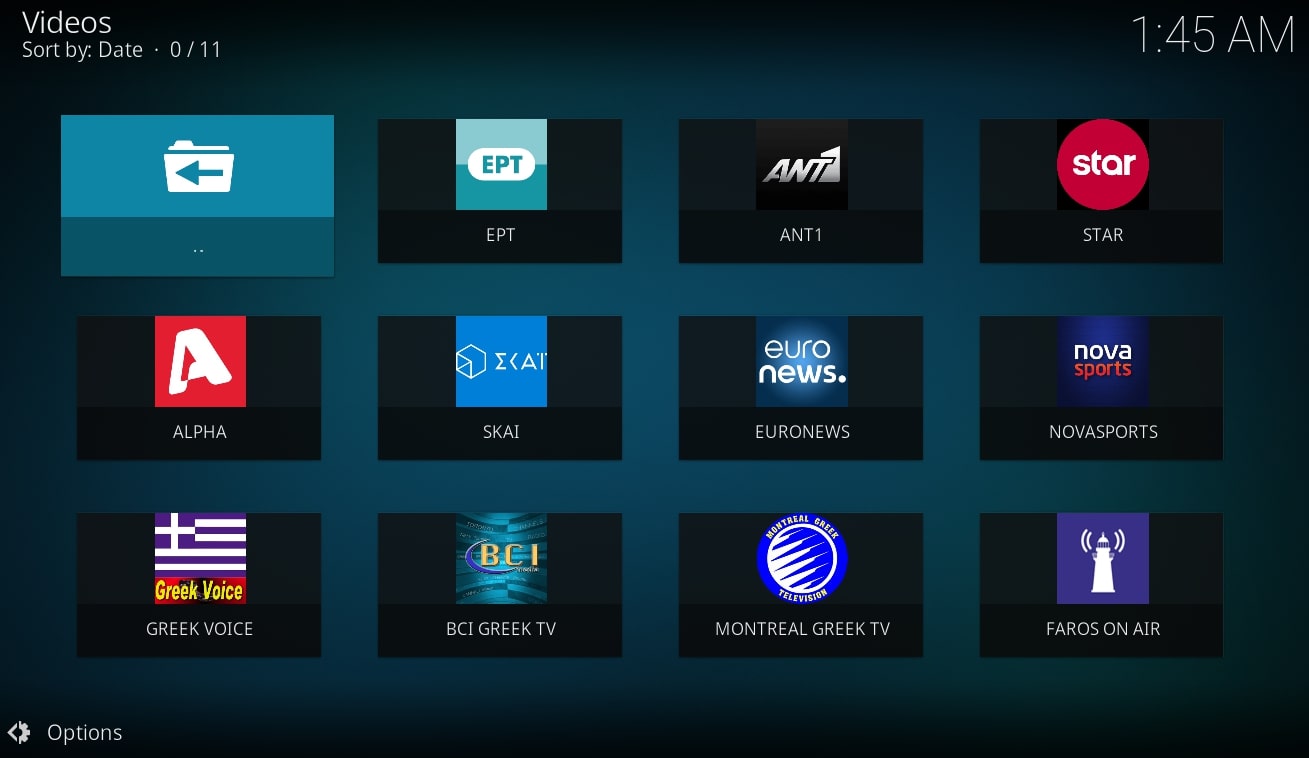
AliveGR is an addon allowing streaming content available mostly in Greek language.
News
+ 2.11.X series 11-09-2022 - 15-04-2023 Additions: - Playback history - Add capability to rename/change search history items - Add capability of auto container refresh on certain settings change (ie icon theme) - IPTV Setup client setup reapplied and simplified - Add greek iptv m3u list as new menu item (defaults to off) Fixes: - The usual bug fixes here and there - Fixed gamato kids indexer - Fixed addon.xml validation - Fixed installation failure and Kodi crash on Android - Added exception for variable quality choice on Montreal Greek TV's stream Replacements/Substitutions: - Clean up and rearrangement to the tools section/menu/settings (and submenus) - Renamed history.csv to search_history.csv (to accommodate naming scheme for playback history) - Replace deprecated "client.request" function to net.HTTP_get - Get item title for pinning from a query than listitem (fixes behaviour when there are gui delays) - Rename "Toronto Channels" live group into "Editor's Choice" - Improved screenshots Removals: - Changelog in news section (addon.xml) will contain only the latest version, please refer to changelog.txt for more details about past versions - Miscellany section
How To Install
Direct installation
Via Repository
Via Directory
- First make sure you have the repository installed
- Open up Kodi and navigate into Add-ons.

- Click the open box icon (above the side-menu).

- Select Install from repository.
- If you have at least one repository (besides the default) installed:
Select the repository you wish to install from.
- If you have at least one repository (besides the default) installed:
- Select the category the addon belongs to, in this case it should be video.
- Select AliveGR.
- Click Install.


For a full installation guide please click here.
Additional Information
| Updated: | December 03, 2022 |
In Repositories: |
|
| Platform: | all |
| License: | GPL-3.0-only |
Depends On: |