Bypass geo-blocked content! and stay safe & annonymus online.
If you're blocked from viewing content based on your location, consider using a VPN to unblock it. A VPN is a service that switches your online identity with another one so that you appear online as if you're from another geographical location.
Check out NordVPN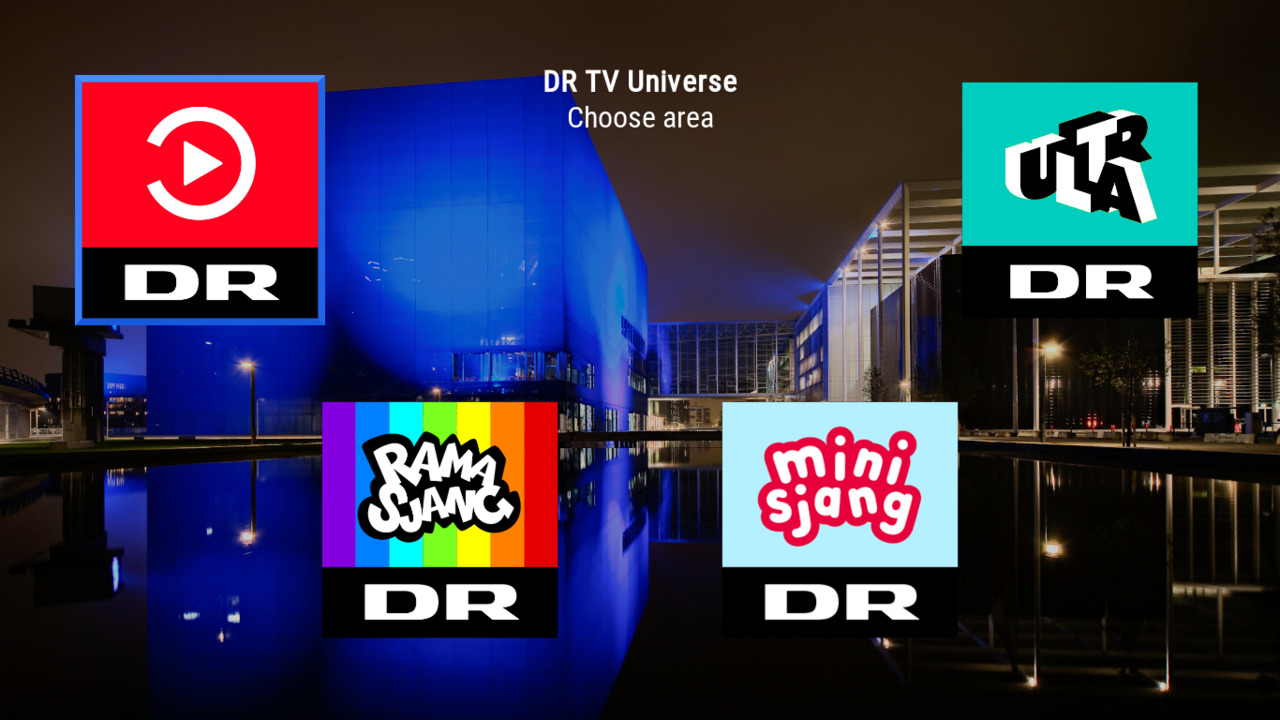
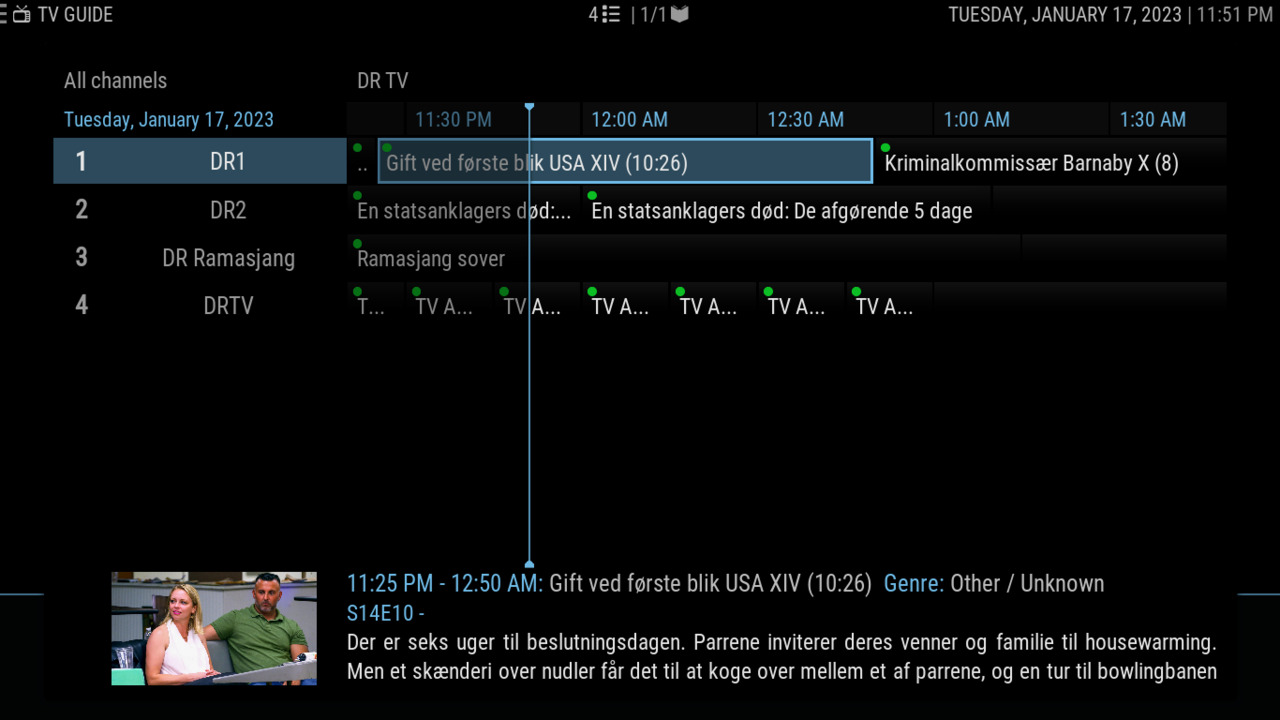
Watch live and archived TV from DR (Danish Broadcasting Corporation)
Disclaimer
Some parts of this addon may not be legal in your country of residence - please check with your local laws.
Description
All DR's live TV channels and archived programs as seen on dr.dk/tv. If you have comments or suggestions for this addon, please feel free to participate in the KODI official forums
News
Version 6.7.0 - 2025-10-05 - Add option to show minisjang and ramasjang with normal menu items - Add new icons for base menu entries
How To Install
Direct installation
Via Repository
Via Directory
- Download the addon.
- Open up Kodi and navigate into Add-ons.

- Click the open box icon (above the side-menu).

- Select Install from zip file.
- If this is the first addon you install, Kodi will warn you about installing addons from "unknown sources" for security reasons - it's your call.
- In any case, Kodi will warn you, you may not get auto-updates for this addon.
- Navigate into the location where you've downloaded the addon to and select it to Install.
For a full installation guide please click here.
Additional Information
| Updated: | December 14, 2025 |
In Repositories: |
|
| Platform: | all |
Alternative Sources: | Download 1Download 2Download 3Download 4Download 5 |
| License: | GPL-2.0-only |
Depends On: |