Unlock geo-blocked content! and stay safe & annonymus online.
Some content on the Internet is blocked depending on your location. If you want to unblock content while staying safe & annonymus online - simply, install a VPN and get ready to access content you have been barred from thus far.
Download NordVPN
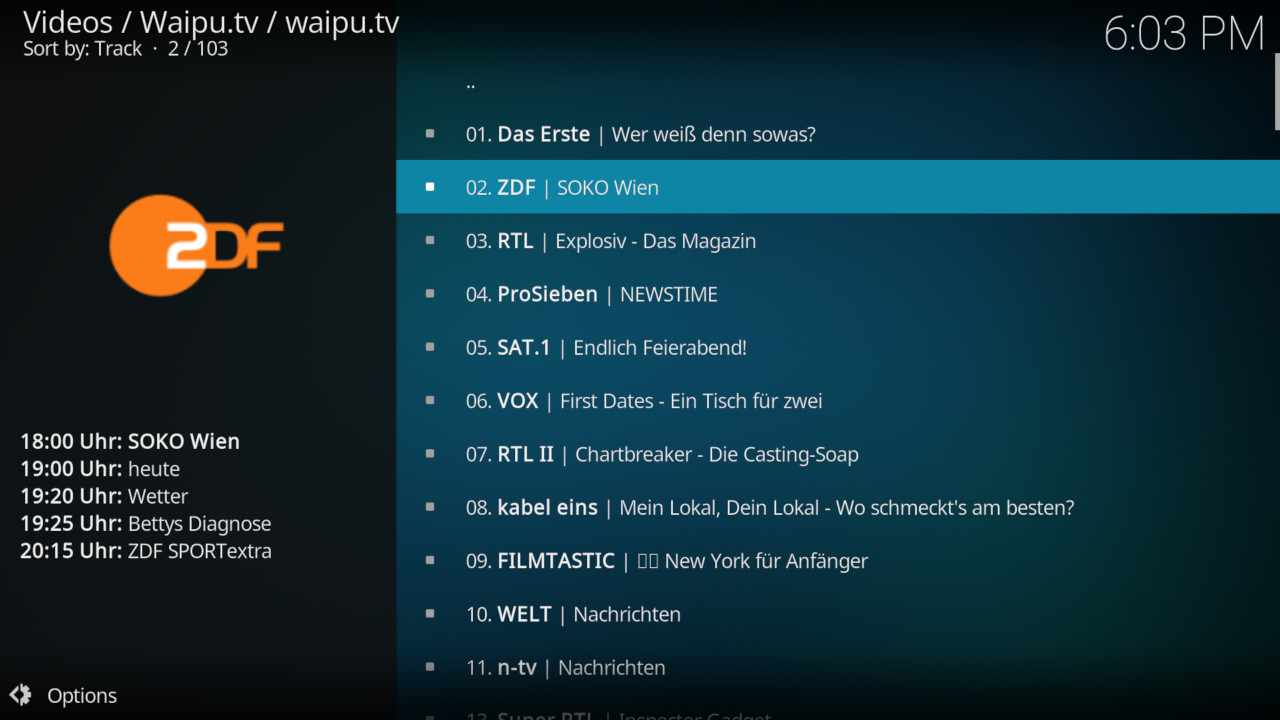
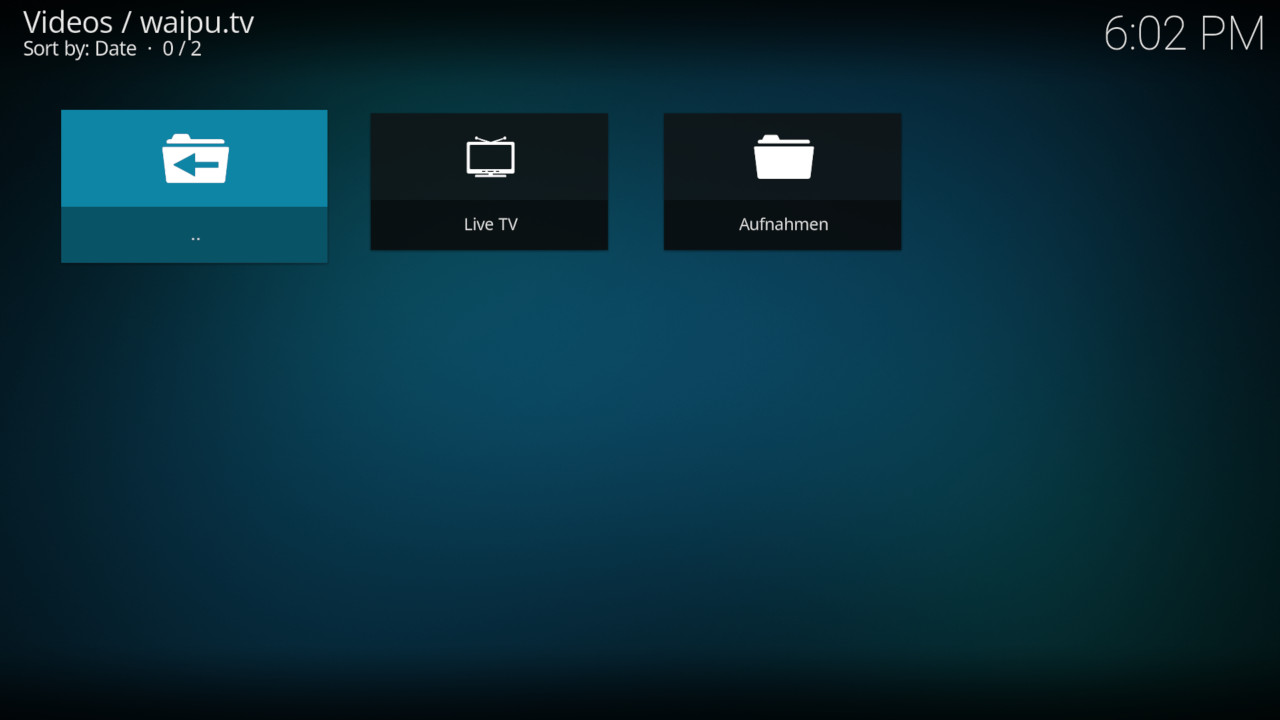
waipu.tv and O2 TV Kodi Video Plugin
Description
An waipu.tv and O2 TV video plugin for Kodi mediacenter. Note: This is not an official waipu plugin and not related to Exaring AG or waipu.tv. It was developed by volunteers.
News
- 0.10.4 Version bump for Leia dependency - 0.10.3 Improve Logging - 0.10.2 Version bump for Leia dependency - 0.10.1 Make addon python2 backwards compatible - 0.10.0 Improve session handling; implement device ID; set correct user agent - 0.9.1 Fix import in O2 login - 0.9.0 add folder structure and delete of recordings (thanks @mking2203) - 0.8.4 Implement new API changes - 0.8.3 Implement access eu network; adapt inputstream call - 0.8.2 Internal clean up - 0.8.1 Fix O2 TV - 0.8.0 Python3 compatibility - 0.3.3 fix internal imports
How To Install
Direct installation
Via Repository
Via Directory
- First make sure you have the repository installed
- Open up Kodi and navigate into Add-ons.

- Click the open box icon (above the side-menu).

- Select Install from repository.
- If you have at least one repository (besides the default) installed:
Select the repository you wish to install from.
- If you have at least one repository (besides the default) installed:
- Select the category the addon belongs to, in this case it should be video.
- Select Waipu.tv / O2 TV.
- Click Install.


For a full installation guide please click here.
Additional Information
| Updated: | March 16, 2023 |
In Repositories: | |
| Platform: | all |
| License: | GNU GENERAL PUBLIC LICENSE. Version 3, June 2007 |
Depends On: |