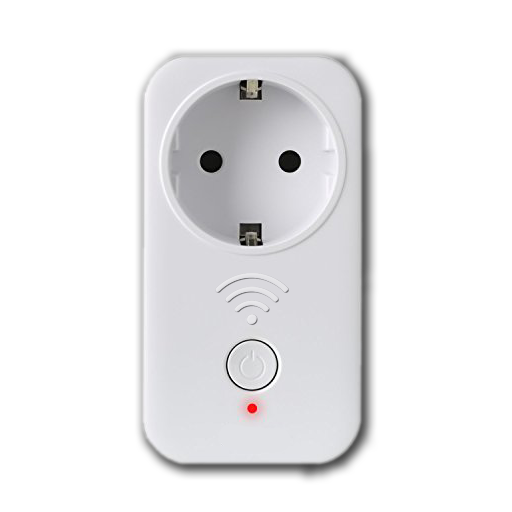

Switch your devices with Tasmota WLAN modules and Kodi
Disclaimer
Use at your own risk. It may be necessary to update the firmware of the Sonoff devices.
Description
Switch Your illuminations or devices with Kodi and Sonoff WLAN modules flashed with Tasmota. Be a couch potato and control up to eight devices via kodi remote. All devices must flashed with Tasmota firmware! See https://github.com/arendst/Tasmota
News
3.0.5+matrix - Fixed network name resolution, UnicodeDecode in File I/O 3.0.3+matrix - Arrangement of item categories in setup changed 3.0.2+matrix - some Modifications 3.0.1 - Network Scanner implemented 3.0.0 - Migrate to Python 3 (Kodi Matrix) 0.0.11 - Busy dialog implemented 0.0.10 - changes in sonoff class module 0.0.8 - smaller improvements 0.0.7 - adjustments in Sonoff class module 0.0.6 - class module update 0.0.5 - JSON responses changed due Tasmota firmware updates 0.0.4 - Icons updated - Sonoff multiswitch implemented
How To Install
Direct installation
Via Repository
Via Directory
- First make sure you have the repository installed
- Open up Kodi and navigate into Add-ons.

- Click the open box icon (above the side-menu).

- Select Install from repository.
- If you have at least one repository (besides the default) installed:
Select the repository you wish to install from.
- If you have at least one repository (besides the default) installed:
- Select the category the addon belongs to, in this case it should be script.
- Select Tasmota WLAN Switcher.
- Click Install.


For a full installation guide please click here.
Additional Information
| Updated: | March 15, 2023 |
In Repositories: |
|
| Platform: | all |
| License: | GNU GENERAL PUBLIC LICENSE. Version 3, June 2007 |
Depends On: |