
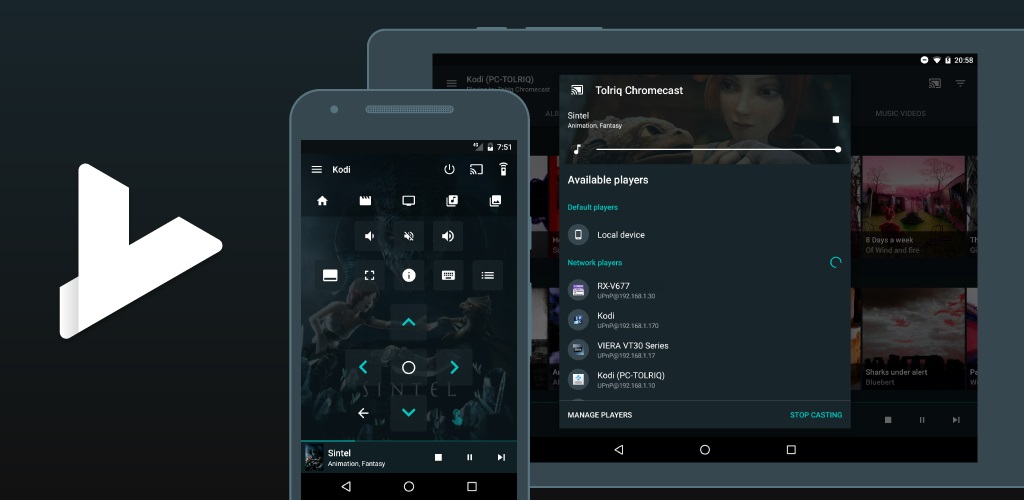
Yatse helper script for Kodi
Description
Yatse helper script for Kodi
News
2.5.X: Update Yt-dlp 2.5.0: Switch to Yt-dlp (YoutubeDL replacement) 2.4.X: Update YoutubeDL 2.4.0: Fix for Kodi 19 magnet sharing 2.3.X: Update YoutubeDL 2.3.0: Update YoutubeDL + New option to ignore wrong SSL certificates on Kodi 18+ (Thanks bsdf) 2.2.0: Update YoutubeDL + Fix for Kodi 19 removed function 2.1.1: Update YoutubeDL 2.1.0: New setting to prioritize Kodi youtube addon for Youtube urls + update YoutubeDL 2.0.3: Update YoutubeDL 2.0.2: Update YoutubeDL + update repository to provide Kodi 19 compatible addon 1.9.2: Update YoutubeDL 1.9.1: Update YoutubeDL 1.9.0: Remove support for UrlResolver 1.8.3: Update YoutubeDL 1.8.2: Update YoutubeDL 1.8.1: Add support for Python 3 (Kodi 19 Windows Python 3 is broken and does not support ctypes, no workaround!) 1.7.0: Update YoutubeDL with Youtube fix 1.6.6: Update YoutubeDL 1.6.5: Update YoutubeDL 1.6.4: Update YoutubeDL 1.6.3: Update YoutubeDL 1.6.2: Update YoutubeDL 1.6.1: Fix queuing youtube video when using Dash. 1.6.0: Embed youtubeDL for faster update than official addon + display notification instead of busy dialog for better Kodi 18 support. 1.5.1: Use Youtube plugin when sharing if you activate MPEG-DASH to support 1080p+ quality. Add support for some more streams type. Remove no more needed Kodi 18 hack. 1.4.6: Show script settings when trying to start from GUI. 1.4.5: Ignore some regexp errors. 1.4.4: Ignore errors on playlist containing invalid data. 1.4.3: Fix issues on Kodi 16. 1.4.2: Picture playlist support seems broken on Kodi 17. 1.4.1: Improve picture support. 1.4.0: Add support for pushing meta data when streaming from Yatse. (Except for videos containing ? on Kodi 18 due to a Kodi bug).
How To Install
Direct installation
Via Repository
Via Directory
- Download the addon.
- Open up Kodi and navigate into Add-ons.

- Click the open box icon (above the side-menu).

- Select Install from zip file.
- If this is the first addon you install, Kodi will warn you about installing addons from "unknown sources" for security reasons - it's your call.
- In any case, Kodi will warn you, you may not get auto-updates for this addon.
- Navigate into the location where you've downloaded the addon to and select it to Install.


For a full installation guide please click here.
Additional Information
| Updated: | August 08, 2023 |
In Repositories: | |
| Platform: | all |
Alternative Sources: | Download 1Download 2Download 3Download 4Download 5Download 6Download 7Download 8 |
| License: | Not specified |
Depends On: |