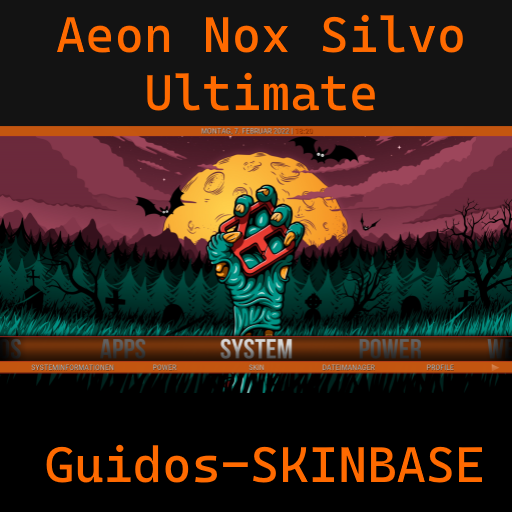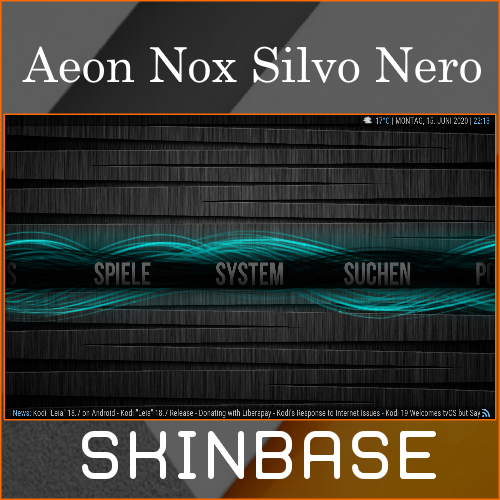
Created by BigNoid, Modded by SiLVO, and Widgets by Mr. V
Description
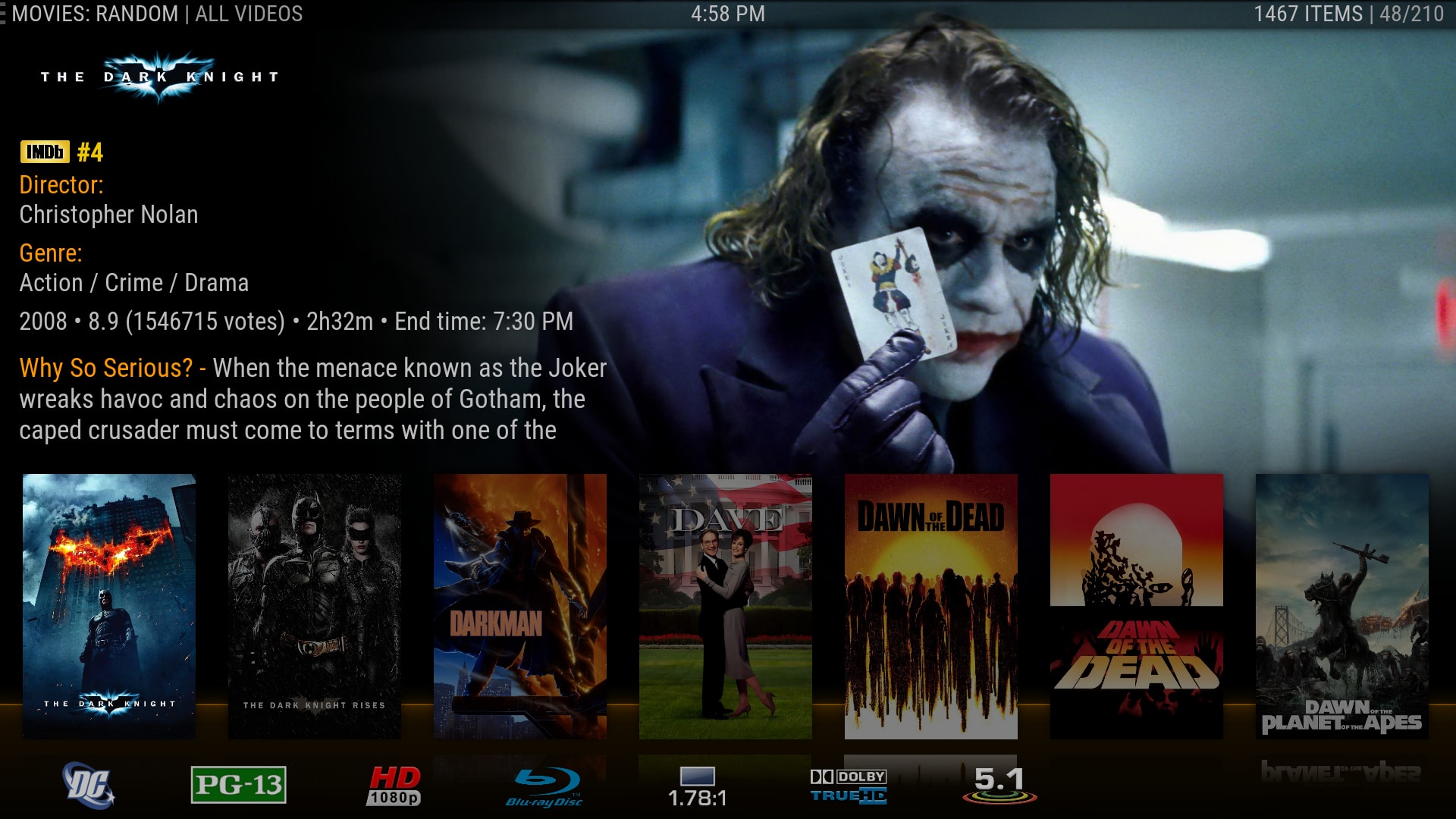
Completely redesigned to create a modern look, while retaining the classic Aeon feel.
News
v7.0.8 - Fix and add some new icons - PVR fixes and updates - Keyboard updates to support new/missing elements for some languages - Add multi-poster support - Add option to limit displayed Widget content (may improve performance) - Add more movie set metadata e.g. Studio and Rating classification mediaflags - Fix backgrounds and add user selectable icons for custom Widget - Add Wall view for Files, Artists & Music genres - Add user selectable music genre icons using path or resource add-on - Add banners option to Wall view - Remove script.grab.fanart as dependency - Add TV Show - Next Aired Widget - Add last used sort by to Widget Customizer (only works for certain widgets) - Add OpenCase mod for some music views - Main Menu customizer improvements - Add option to prefer summary of movie set instead of all plots - DialogMusicInfo changes and improvements - Music Video fixes - Show square panel info content for settings Widgets - Rework Global Search window - Fix LowList view when track numbers are over 99 - Add manual Music InfoPanel setting All updates may contain various changes and/or improvements For a more complete list visit: https://github.com/mikesilvo164/Aeon-Nox-SiLVO/commits/master
How To Install
Direct installation
Via Repository
Via Directory
- First make sure you have the repository installed
- Open up Kodi and navigate into Add-ons.

- Click the open box icon (above the side-menu).

- Select Install from repository.
- If you have at least one repository (besides the default) installed:
Select the repository you wish to install from.
- If you have at least one repository (besides the default) installed:
- Select the category the addon belongs to, in this case it should be skin.
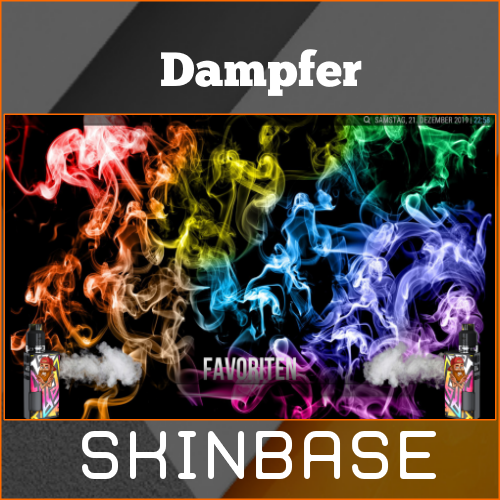
- Select Dampfer.
- Click Install.


For a full installation guide please click here.
Additional Information
| Updated: | January 13, 2021 |
In Repositories: | |
| Platform: | all |
| License: | CC BY-NC-SA 4.0 |
Depends On: |