Help other people decide, vote up or down?
TetradUI is a skin add-on for Kodi media center
Description
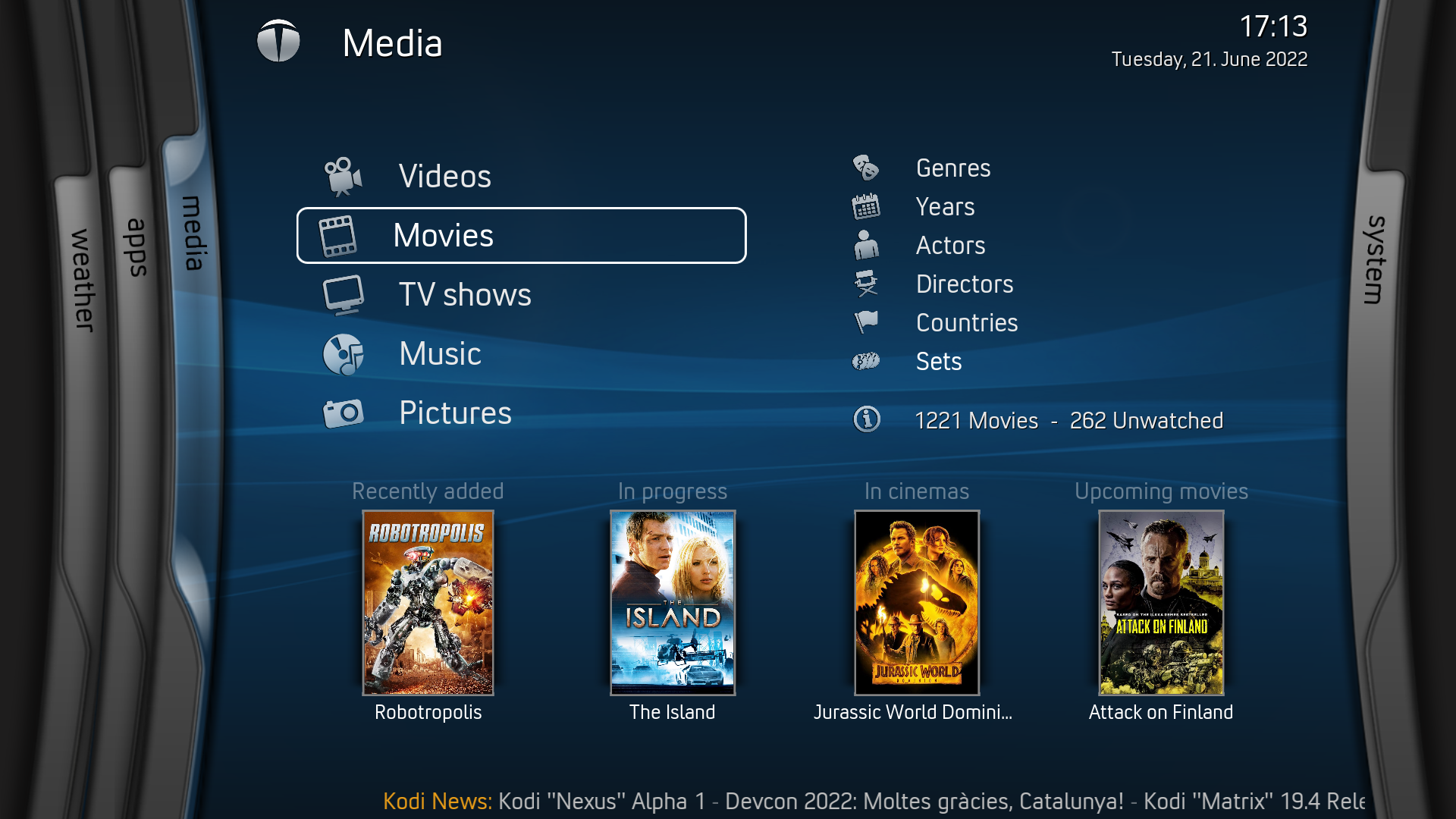
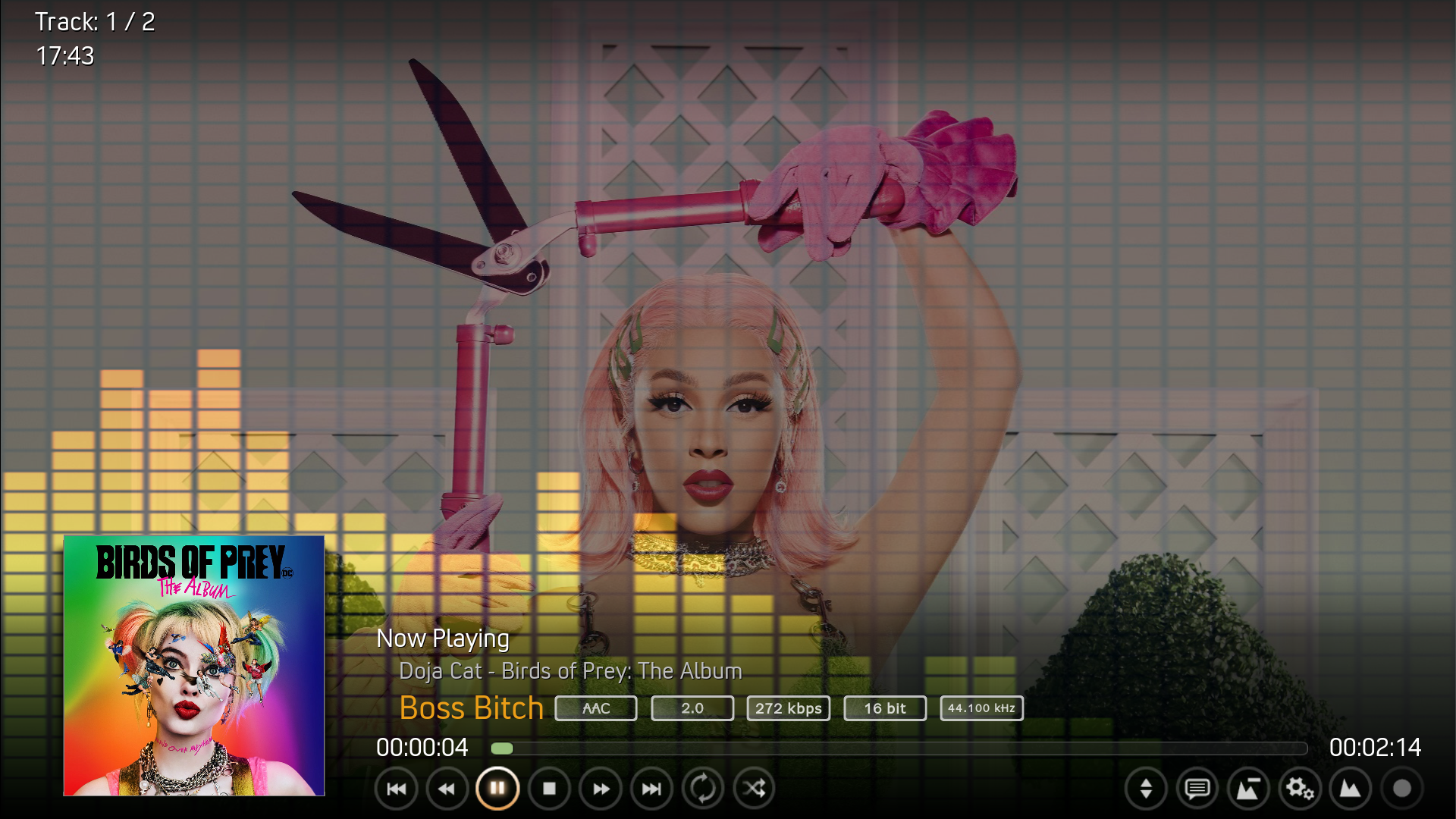
TetradUI is a skin add-on for Kodi media center. The aim with TetradUI is to create a fresh modern homage of the classic blades-style UI found in the original Xbox360 dashboard. Also seen in the works of Team Blackbolt and Jezz_X with projects MC360 and JX720 respectively. TetradUI is based on JX720 by Jezz_X.
This add-on was created by Jezz_X and TeamUI.
News
2.0.0
- Add show/hide password to keyboard dialog
- Use infill=false on transparent textures
- Add Player.Cuts to video OSD
- Add Favourites browser support
- Add support for Dolby Vision, HDR10 and HLG codec flagging
- Update screen calibration window
- Update home submenu icons
- Add support for color button
- Add color picker dialog
- Add game controllers port dialog
- Add support for RetroPlayer savestate manager
- Add scene markers to video OSD
- PVR channel manager dialog will fade inactive channels
View More ↓
How To Install
Direct installation
Via Repository
Via Directory
- Download the addon.
- Open up Kodi and navigate into Add-ons.

- Click the open box icon (above the side-menu).

- Select Install from zip file.
- If this is the first addon you install, Kodi will warn you about installing addons from "unknown sources" for security reasons - it's your call.
- In any case, Kodi will warn you, you may not get auto-updates for this addon.
- Navigate into the location where you've downloaded the addon to and select it to Install.
- First make sure you have the repository installed
- Open up Kodi and navigate into Add-ons.
- Click the open box icon (above the side-menu).
- Select Install from repository.
- If you have at least one repository (besides the default) installed:
Select the repository you wish to install from.
- Select the category the addon belongs to, in this case it should be skin.
- Select TetradUI.
- Click Install.
Installing via directory means you connect to a Web server directly using Kodi.
It also means that the addon is found under a repositry or a sub-repository you install from that directory (check out which repositories host
TetradUI addon
below).
- Open up Kodi and navigate into the System settings screen by selecting the cogwheel button (above the side-menu inside Kodi's home-screen).
- Select File manager.

- Select Add source from the left pane (the right pane is in case you want to move files from one folder to another, if you're using a mouse you may need to double click it).
- Click the line where it says <None> and enter the following url:
https://mrgsi.github.io/gsource/
Note: some servers may be case-sensitive.

click OK after you are done typing. - Below that, if there isn't already, enter a name for the source which will be easy for you to recognize in the future. Click OK
- Now press the return button twice to return to home-screen.
Navigate into Add-ons.
- Click the open box icon (above the side-menu).
- Select Install from zip file.
- If this is the first addon you install, Kodi will warn you about installing addons from "unknown sources" for security reasons - it's your call.
- In any case, Kodi will warn you, you may not get auto-updates for this addon.
- Look for the name of the source as it was entered in step 5, select the repository zip file you see inside it.
That's it. The rest of the instructions are as detailed in installing Via Repository, use the repository you've just installed.
For a full installation guide please click here.
Additional Information
| Updated: | March 17, 2023 |
In Repositories: | - Kodi Add-on repository [omega]
|
| Platform: | all |
| License: | Creative Commons Attribution-Share Alike 3.0 United States |
Depends On: | |