

Wellbeing
Description
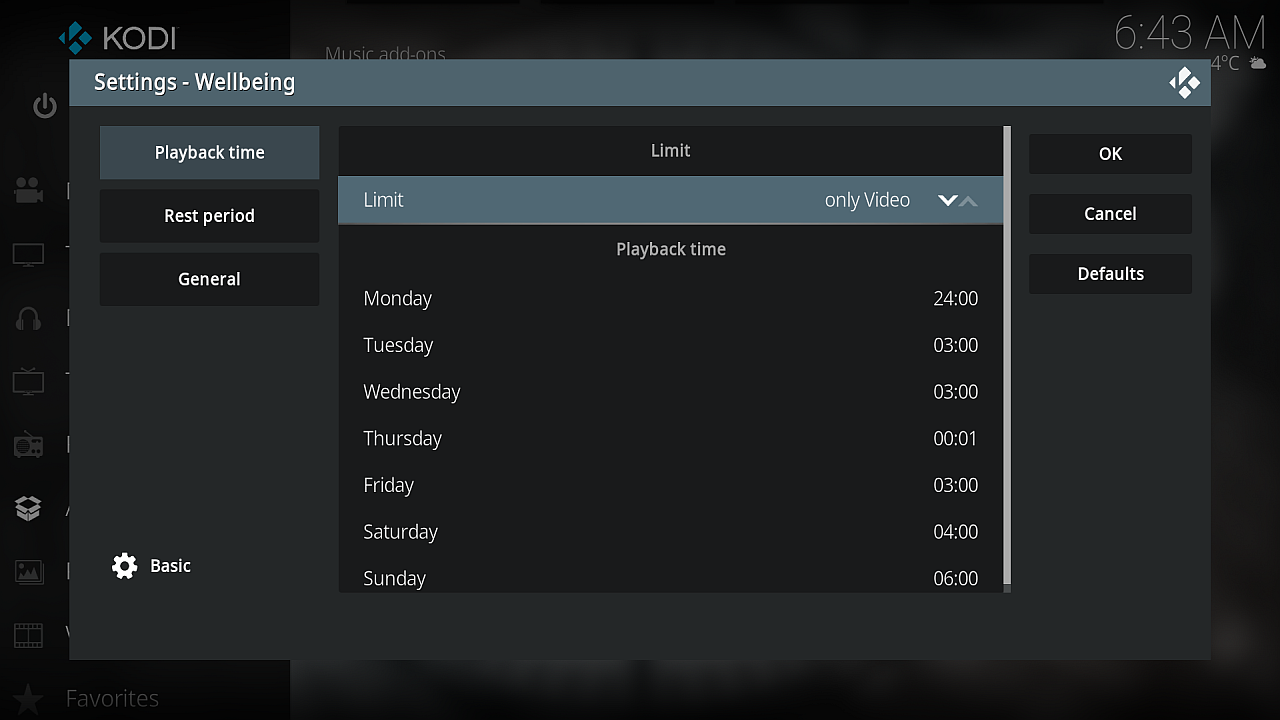
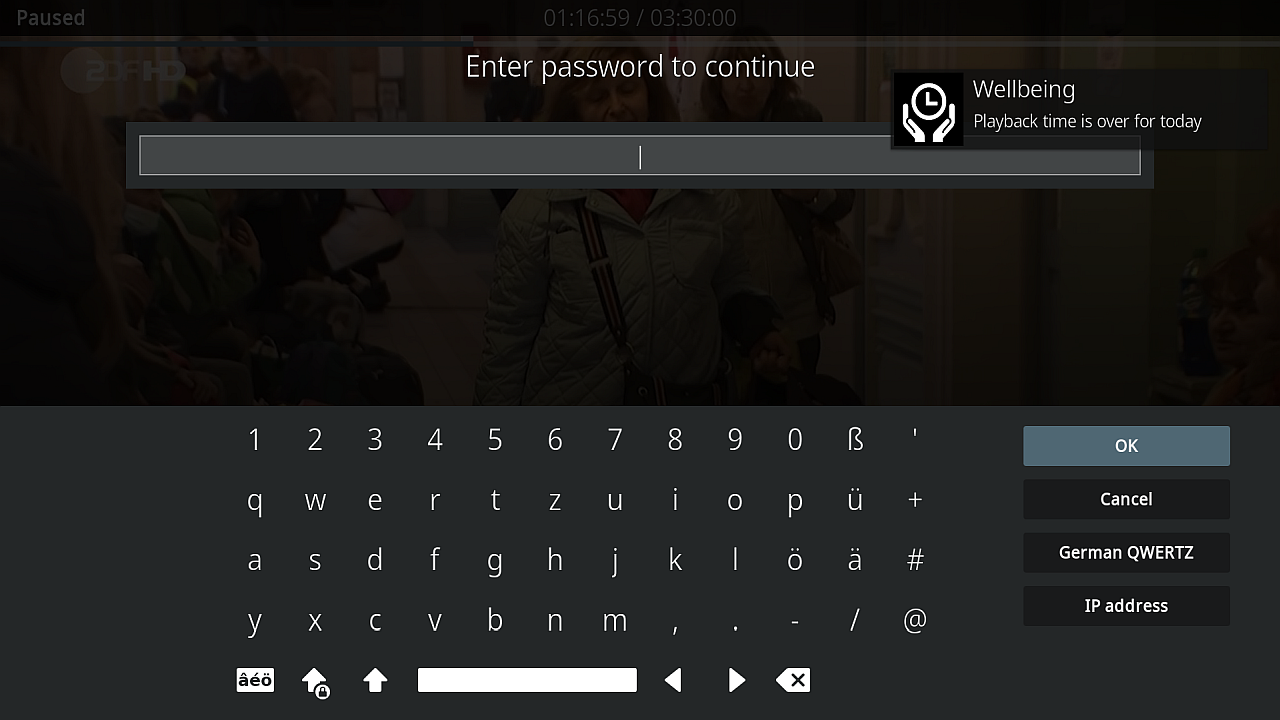
Addon in order to limit playback time per day, e.g. for parental control. After playback time has been reached playback will be stopped automatically.
News
Version 1.3.2 (2026-01-06) - Bugfix issue #8: Video Playback Limit Always 24:00 Version 1.3.1 (2025-09-22) - Added translations for Swedish and Slovak language Version 1.3.0 (2025-09-21) - Added action in settings and RPC call to reset time budget (action=reset) - Added action in settings and RPC call to set today's time budget (action=limit, limit=1:00) Version 1.2.0 (2022-11-30) - Added new feature: auto-stop in rest period - Added help texts - Refactoring Version 1.1.0 (2022-08-27) - Added hourly notifications incl. new setting - Correct handling of paused media so that it doesn't consume time budget anymore Version 1.0.0 (2022-04-20) - Initial version
How To Install
Direct installation
Via Repository
Via Directory
- Download the addon.
- Open up Kodi and navigate into Add-ons.

- Click the open box icon (above the side-menu).

- Select Install from zip file.
- If this is the first addon you install, Kodi will warn you about installing addons from "unknown sources" for security reasons - it's your call.
- In any case, Kodi will warn you, you may not get auto-updates for this addon.
- Navigate into the location where you've downloaded the addon to and select it to Install.
For a full installation guide please click here.
Additional Information
| Updated: | February 22, 2026 |
In Repositories: |
|
| Platform: | all |
Alternative Sources: | Download 1Download 2Download 3 |
| License: | MIT |
Depends On: |